/o/commerce-media/accounts/-1/images/123584147?download=false
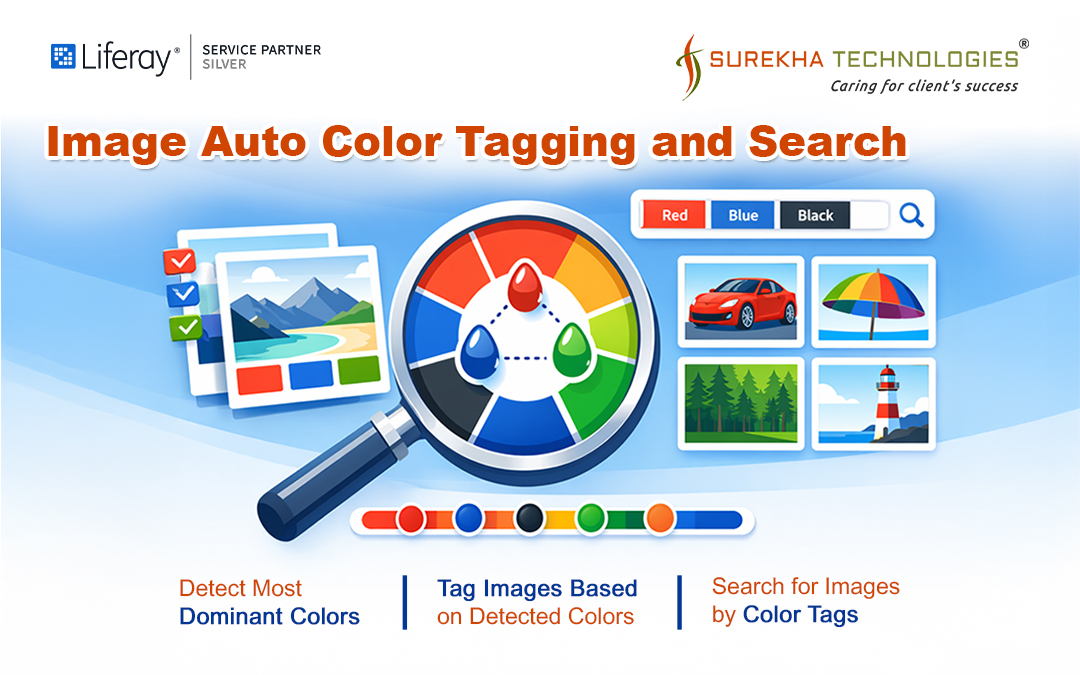
The Image Auto Color Tagging and Search module enhances Liferay’s Document and Media capabilities by enabling users to discover and organize images based on dominant colours extracted directly from the images.
With this extension,
• Automatically detect and extract up to three dominant colours from each image.• Create colour-based tags for every uploaded image (such as “red”, “blue”, and “green”).• Search images by selecting detected colour tags for quick filtering.• Perform text-based colour searches like “red”, “blue”, and “black”.• Improve asset organization with intelligent colour analysis and tagging.• Retrieve visually consistent images based on colour similarity for better content alignment.
This module integrates seamlessly with your existing Liferay system. Once deployed, it automatically processes images, detects dominant colours, and enriches your media library with intelligent, colour-aware metadata. The application analyses each image to identify up to three dominant colours based on pixel distribution and assigns corresponding searchable tags, ensuring accurate and consistent classification. Search results are limited to these detected colours, which helps maintain precision and relevance in colour-based discovery.
Deployment Steps:
• Download the provided JAR file.• Copy the JAR file into the deploy folder of your Liferay Home directory to activate the module.
開発者
Publisher Date
November 6, 2026
Deployment Method
Liferay PaaS
Liferay Self-Hosted
App Type
バージョン
サポート対象のバージョン
Standard Price
Help and Support
リンクを共有